Clever AI Detector Review: Free AI Detection Put to the Test
Clever AI Detector gives long documents a free first pass without hiding useful details behind a subscription. Its sentence-level view helps, though no detector score should be treated as proof of authorship.
Clever AI Detector is unusually generous for a $0 tool: each run accepts 80 to 10,000 English words, with unlimited checks plus sentence-level signals. Use it to spot passages worth reviewing, not to accuse a writer or certify authorship.
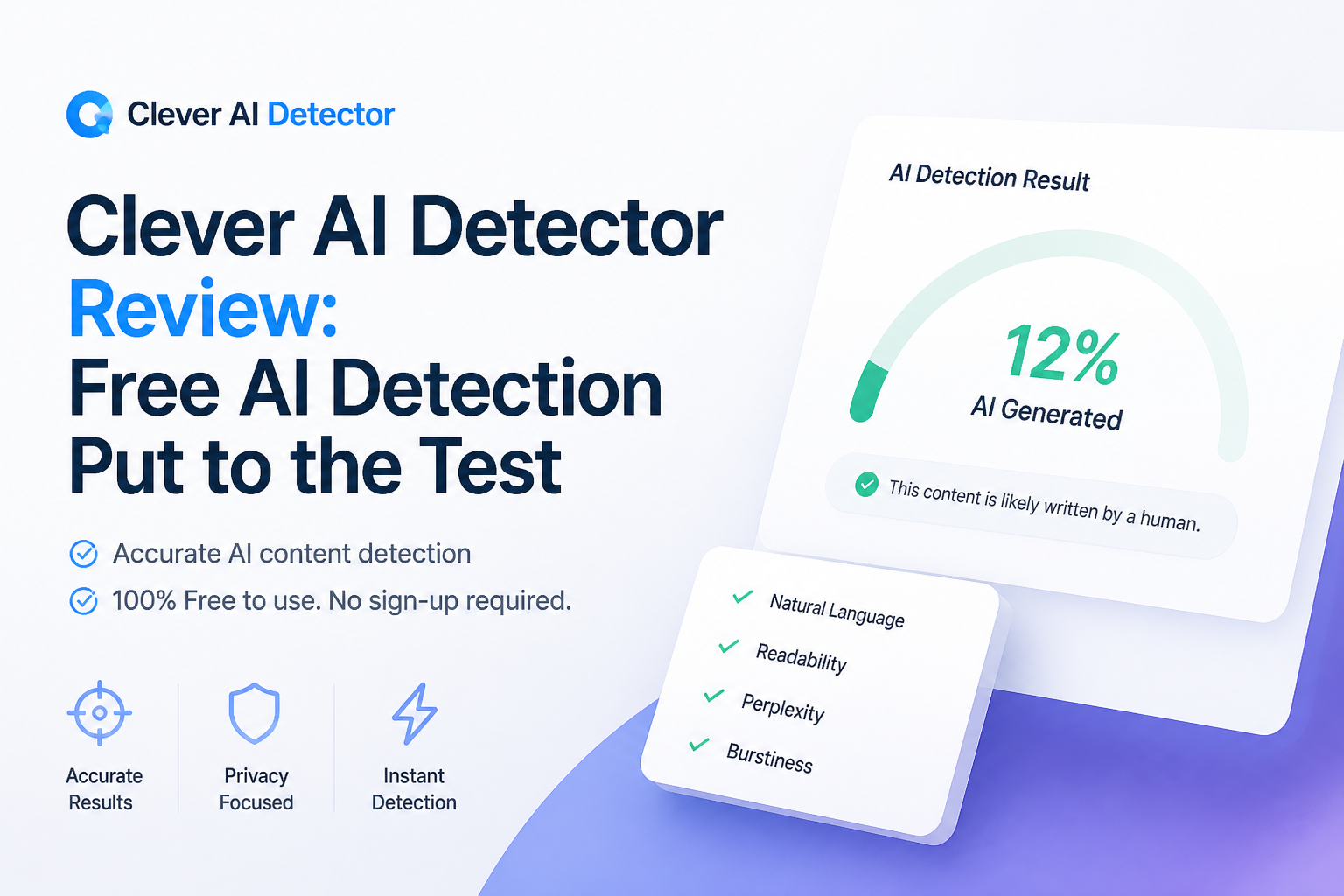
Clever AI Detector at a Glance
8.9/10Clever AI Detector is a browser-based checker that estimates whether English text statistically resembles AI writing. It returns an overall probability plus sentence-level signals.
Best forEditors, writers, or content managers seeking a free screening signal before a manual review
- 80 to 10,000 words per check
- Sentence-level AI signals
- Probability score with confidence context
- Optional saved check history
- Paste input plus file upload
- No required account
- Generous document limit
- Clear uncertainty language
- English text only
- False positives remain possible
- Not suitable as proof of authorship
Clever AI Detector Features, Costs, and Limits in Detail
01 Detection Guidance
Helpful evidence without a fake promise of certainty
8.9/10
Detection Guidance
Helpful evidence without a fake promise of certainty
Clever presents its result as an AI probability, rather than a final ruling on who wrote the text. That distinction matters. A score can tell an editor where to look more closely, but it cannot reconstruct a document's writing history.
The confidence framing made borderline results easier to interpret during our review. Still, formal prose, heavily revised copy, templates, or writing by non-native English speakers can trigger false positives. Draft history plus source notes remain far stronger evidence than any detector number.
- Uses probability language instead of claiming certainty
- Shows a confidence indicator with the result
- Explains that middle-range scores are inconclusive
- Clearly warns users about false positives
- Cannot prove who authored a document
- English-only support narrows its usefulness
- Scores may shift after small edits
02 Sentence-Level Analysis
The most practical part of the report
9.3/10
Sentence-Level Analysis
The most practical part of the report
A single percentage is not very useful by itself. Clever improves the report by marking individual sentences that carry stronger machine-writing signals, so a writer can inspect repetitive rhythm, generic phrasing, or suspiciously uniform construction.
This view works best as an editing map. It points to the paragraph that deserves another read without pretending every highlighted line came from a chatbot. The report can also be copied, which is handy for a private editorial review.
- Highlights signals at sentence level
- Makes the overall score easier to investigate
- Supports copyable reports
- Useful for finding repetitive or overly uniform passages
- Highlights can be mistaken for proof if viewed without context
- Does not explain every linguistic feature behind each flag
03 Checking Workflow
Fast to learn with little screen clutter
9.1/10
Checking Workflow
Fast to learn with little screen clutter
The workflow is plain: paste text or upload a supported file, run the check, then review the probability score plus marked sentences. No account is required for a basic scan. The input range runs from 80 to 10,000 words, which covers anything from a long email to a substantial article draft.
The 80-word floor is reasonable because tiny samples offer weak statistical signals. A short slogan, title, or three-sentence message will need more surrounding text before the checker accepts it.
- No sign-up required for standard checks
- Accepts up to 10,000 words per run
- File upload sits beside regular paste input
- Clean result layout with limited distractions
- Cannot evaluate samples below 80 words
- Current language support centers on English
- No visible team review workflow
04 Free Access
No token counter or premium report lock
9.7/10
Free Access
No token counter or premium report lock
The strongest argument for trying Clever AI Detector is simple: the listed price is $0. The score, confidence information, plus sentence-level signals are available without a paid plan. The site also states that runs are unlimited, subject to service availability.
An optional account adds check history. Casual users can skip registration, while frequent users may find saved results useful when comparing revisions. The company says paid options may arrive later, so the free setup could change.
- Costs $0 at the time of review
- Unlimited listed runs
- Full sentence signals are not paywalled
- Optional account rather than mandatory registration
- No ads shown in the detector offer
- Free terms may change as the service develops
- No service-level availability promise
05 Privacy and Limitations
Reasonable disclosures with a few points to read first
7.8/10
Privacy and Limitations
Reasonable disclosures with a few points to read first
CleverFiles says submitted text is not used to train or fine-tune AI models. Its terms state that signed-in input is stored for 30 days, unless deleted sooner through account controls. For account-free use, the terms say only the first 100 characters are stored for two days.
The company may use submitted material for debugging, automated evaluations, or limited staff quality checks under confidentiality controls. That makes this unsuitable for trade secrets, unreleased legal material, private medical notes, or any document you lack permission to upload.
- Published retention details are fairly specific
- Company says submitted text is not used for model training
- Account holders can delete saved history
- Terms explicitly reject detector scores as proof
- Quality checks may include staff reading selected samples
- Sensitive documents should not be uploaded
- The service carries no accuracy guarantee
How We Reviewed Clever AI Detector's Free Checking Workflow
We reviewed the browser workflow with English samples representing conversational notes, polished informational prose, formulaic copy, plus machine-generated drafts. Our scoring focused on result clarity, access limits, sentence-level detail, practical interpretation, pricing, plus published data handling terms.
We did not treat a handful of sample outcomes as a scientific accuracy benchmark. Detector performance changes with topic, sample length, editing, model, plus writing style. For that reason, accuracy claims received less weight than transparency, usable evidence, plus responsible result wording.
When Clever AI Detector Should Not Decide the Outcome
Do not use Clever AI Detector as the sole basis for a grade penalty, disciplinary action, hiring decision, payment dispute, or misconduct claim. A probability score cannot establish authorship, while polished human writing can resemble machine output.
A fair review needs supporting context such as version history, research notes, citations, earlier drafts, timestamps, plus a conversation with the writer. Avoid uploading confidential material unless the document owner accepts the service's retention plus quality-control terms.
Clever AI Detector Review Scores by Category
| Category | Performance | Score |
|---|---|---|
| 01 Detection Guidance | 8.9/10 | |
| 02 Sentence-Level Analysis | 9.3/10 | |
| 03 Checking Workflow | 9.1/10 | |
| 04 Free Access | 9.7/10 | |
| 05 Privacy and Limitations | 7.8/10 |
What People Say About Clever AI Detector
One Reddit commenter called Clever AI a go-to detector during increased college scrutiny, mainly because the checker was completely free.
A Reddit testing post found the wider AI-detector category inconsistent, while describing Clever's free access as useful for repeated experiments rather than a final answer.
Should You Use Clever AI Detector?
Clever AI Detector is easy to recommend as a free screening tool, especially for people who want sentence-level clues without buying credits. Editors, writers, plus content teams can use it to locate passages worth a closer look. Schools, employers, or clients should skip any workflow that treats its score as proof, since false positives can affect genuine human writing.
Check at least 300 words when possible, then compare flagged passages with drafts, version history, sources, plus the writer's normal style before drawing a conclusion.