5 Best Data Recovery Software for Corrupted SD Card in 2026
Disk Drill is our overall pick for a guided recovery attempt. But a personal photo card, a damaged folder tree, or a zero-dollar budget can point to a different choice.
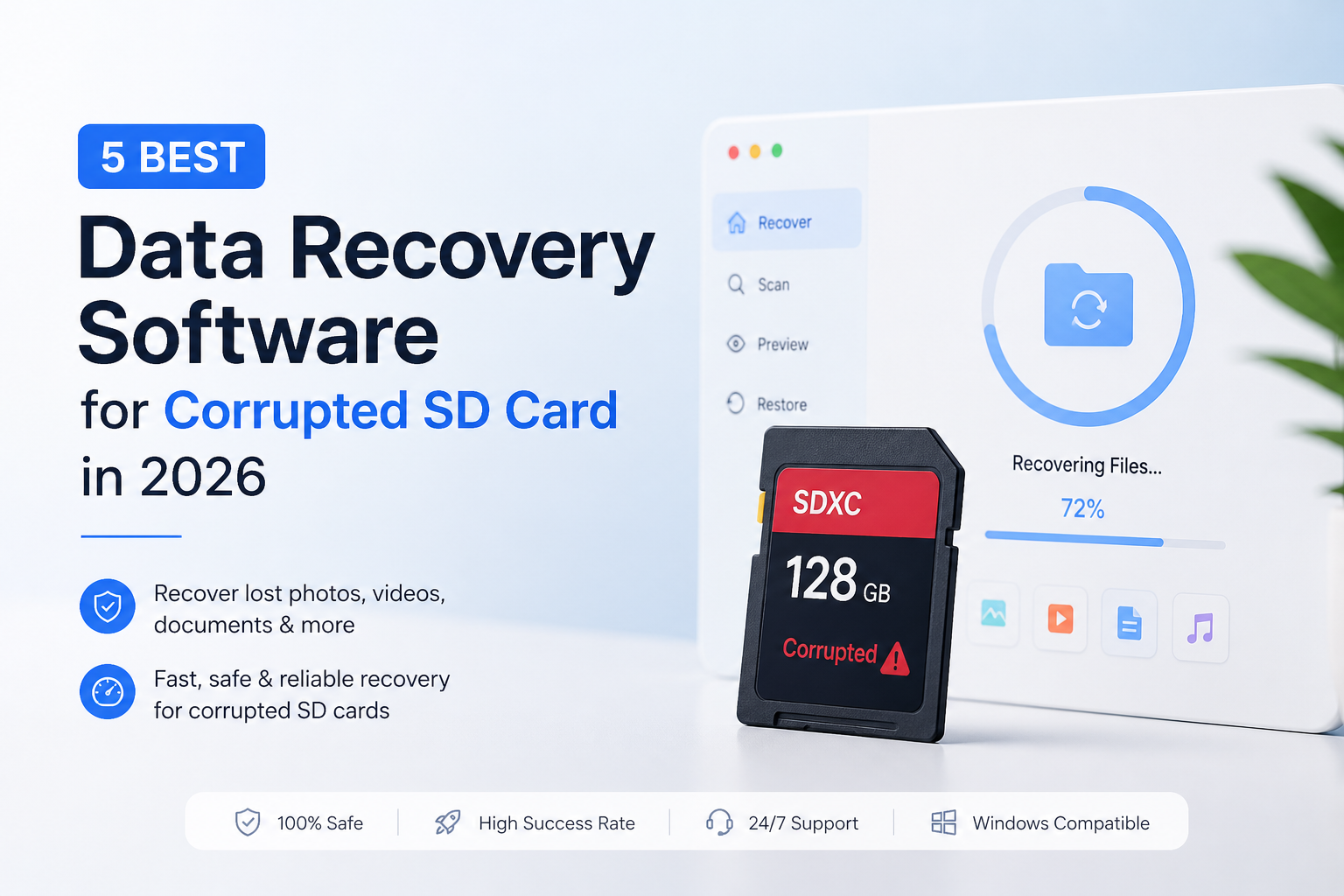
Disk Drill is our overall recommendation for readers who prefer a guided workflow. Its previews plus byte-to-byte backups are useful starting points, though this ranking does not claim a measured recovery-rate lead. (cleverfiles.com)
Disk Drill
9.0/10Best for: Camera owners who want a guided first attempt rather than a disk-editing workspace
- A sensible first shortlist choice for less technical users
- File previews before purchase. (cleverfiles.com)
- Built-in byte-to-byte backups. (cleverfiles.com)
- PRO covers Windows plus macOS. (cleverfiles.com)
R-Studio
8.7/10Best for: Experienced users investigating damaged partitions or competing scan results
- FAT/exFAT recovery support. (r-studio.com)
- Works with disk images. (r-studio.com)
- Hex editor for detailed inspection. (r-studio.com)
- Separate versions for three desktop operating systems. (r-studio.com)
DMDE
8.4/10Best for: Patient users recovering a particular folder without buying a full license
Corrupted SD Card Recovery Software Compared
Compare each tool's intended workflow, free recovery allowance, plus entry price. Scores are editorial judgments about suitability for this task, not benchmark results or recovery percentages. The reviews explain the tradeoffs.
| Tool | Free Recovery Allowance | Price | Score |
|---|---|---|---|
| 1.Disk Drill PICK | Mac: scan/preview for ordinary recovery. (cleverfiles.com) | $89/yr | 9.0/10 |
| 2.R-Studio | Demo restrictions apply. (r-studio.com) | $79.99 one-time | 8.7/10 |
| 3.DMDE | 4,000 files per directory operation. (dmde.com) | Free | 8.4/10 |
| 4.R-Photo | Personal photo/video recovery. (r-undelete.com) | Free | 8.2/10 |
| 5.PhotoRec | No paid recovery tier. (cgsecurity.org) | Free | 7.9/10 |
5 Best Recovery Tools for Corrupted SD Cards in 2026
01 Disk Drill
Windows / macOS · CleverFiles
9.0/10
Disk Drill
Windows / macOS · CleverFiles
Disk Drill gets our first recommendation for its workflow, not a claimed recovery-rate advantage. Its previews let you inspect results before committing to recovery, while its byte-to-byte backup feature gives you a copy to work from. Those are useful priorities when a card suddenly becomes unreadable. CleverFiles documents these features. (cleverfiles.com)
The pricing needs a careful look. PRO currently lists $89 per year or $149 for a lifetime license. The subscription renews automatically. For an already-corrupted card on a Mac, the free version is primarily for scanning, previewing, or imaging, not unrestricted recovery. We did not run a controlled card-recovery test for this article. (cleverfiles.com)
Best forCamera owners who want a guided first attempt rather than a disk-editing workspace
- A sensible first shortlist choice for less technical users
- File previews before purchase. (cleverfiles.com)
- Built-in byte-to-byte backups. (cleverfiles.com)
- PRO covers Windows plus macOS. (cleverfiles.com)
- The $89 option is recurring, not lifetime. (cleverfiles.com)
- Ordinary Mac recovery requires PRO. (cleverfiles.com)
- More expensive than the free options below

02 R-Studio
Windows / macOS / Linux · R-Tools Technology
8.7/10
R-Studio
Windows / macOS / Linux · R-Tools Technology
R-Studio is our technical pick. Its filesystem analysis, signature searching, image support, plus hex editor make it useful when you want to inspect a recovery rather than accept the first suggested result. FAT/exFAT support makes it relevant to typical camera cards. The official feature list explains the available tools. (r-studio.com)
The standard Windows license is listed at $79.99. That is the edition priced here, not Technician or a cross-platform bundle. We would choose it over Disk Drill for deeper investigation, but not simply because its interface exposes more settings. More controls do not establish a higher recovery rate. (r-studio.com)
Best forExperienced users investigating damaged partitions or competing scan results
- FAT/exFAT recovery support. (r-studio.com)
- Works with disk images. (r-studio.com)
- Hex editor for detailed inspection. (r-studio.com)
- Separate versions for three desktop operating systems. (r-studio.com)
- Our least beginner-oriented paid recommendation
- Edition selection takes care
- The quoted Windows license is not a cross-platform bundle. (r-studio.com)
03 DMDE
Windows / macOS / Linux / DOS · DMDE
8.4/10
DMDE
Windows / macOS / Linux / DOS · DMDE
DMDE deserves attention before you spend money. Its free edition recovers up to 4,000 files from a chosen directory, with repeated operations allowed. That can suit a specific camera folder, though it is not unrestricted recovery of an entire folder tree. It also supports damaged filesystems, raw searching, plus disk-image creation. (dmde.com)
The tradeoff is decision-making. DMDE can present different volume versions after a difficult scan. Its manual recommends trying another version when recovered files are incorrect. We favor it for readers willing to inspect those results carefully, not people seeking the fewest clicks. Read the recovery steps first. (dmde.com)
Best forPatient users recovering a particular folder without buying a full license
04 R-Photo
Windows · R-Tools Technology
8.2/10
R-Photo
Windows · R-Tools Technology
For a personal camera card on Windows, R-Photo may be the most sensible starting point. It costs $0 for noncommercial use, supports FAT/exFAT, offers previews, plus can recover from disk images. Its search includes file signatures for severely damaged or unrecognizable filesystems. (r-undelete.com)
Its narrower scope explains the ranking. This is a photo/video utility, not our choice for a card containing documents or unrelated project files. Paid photography work also falls outside its stated noncommercial allowance. Use the official R-Photo page to distinguish it from R-Undelete, which shares the same website. (r-undelete.com)
Best forWindows users recovering personal camera pictures or video clips
- Free for noncommercial use. (r-undelete.com)
- Image-based recovery. (r-undelete.com)
- Photo/video previews. (r-undelete.com)
- A focused shortlist choice for family camera cards
- Windows only. (r-undelete.com)
- Photo/video scope rather than general file recovery. (r-undelete.com)
- Free license excludes commercial use. (r-undelete.com)
05 PhotoRec
Windows / macOS / Linux · CGSecurity
7.9/10
PhotoRec
Windows / macOS / Linux · CGSecurity
PhotoRec takes a different route. It searches underlying data rather than relying on a working filesystem, which makes it worth considering when a card's directory information is badly damaged. It is open source, costs $0, plus supports more than photographs. (cgsecurity.org)
The inconvenience often arrives after recovery. Original filenames usually do not survive, so a large result set can require substantial sorting. That is why we put it behind tools that may reconstruct folders. It is a fallback with a different approach, not proof that free software recovers less. CGSecurity explains its naming behavior. (cgsecurity.org)
Best forUsers prioritizing file contents over original names or folder organization
- Free, open-source software. (cgsecurity.org)
- Does not require an intact filesystem. (cgsecurity.org)
- Recovers multiple file categories. (cgsecurity.org)
- Useful as a different recovery approach
- Original filenames usually disappear. (cgsecurity.org)
- Recovered output can require tedious sorting. (cgsecurity.org)
How We Evaluated These SD Card Recovery Tools
This is a documentation-based comparison, not a hands-on laboratory test. We checked official product pages, recovery manuals, licensing information, plus displayed US-dollar prices. No physical SD cards were scanned for this article, so we do not report recovery percentages, scan times, or invented test results.
The scores reflect editorial priorities: understandable recovery steps, image support, useful free access, plus cost. They are not measured differences in recoverability. Disk Drill was the requested highlighted product, but the shortlist includes free alternatives that may be a better fit for a specific reader.
How to Choose Recovery Software for a Corrupted SD Card
Start with what you need back. A personal camera card makes a photo-focused tool worth considering. A card with documents or mixed project files calls for broader recovery support. R-Photo is specifically a photo/video utility, while DMDE covers additional file categories. (r-undelete.com)
Then decide how much organization matters. If filenames identify clients or dates, try filesystem-aware recovery before falling back to carving. PhotoRec usually cannot restore original names, so a successful recovery may still leave a sorting job. (cgsecurity.org)
SD Card Recovery Mistakes to Avoid
Do not install recovery software on the affected card or choose that card as the export destination. DMDE's recovery instructions explicitly warn against writing to the source. Use another physical device for recovered files. (dmde.com)
Also, separate file discovery from file usability. If recovered files are incorrect, a different reconstructed volume may produce better results. Inspect actual copies before deciding that a long scan result list means the job is finished. (dmde.com)
Which SD Card Recovery Tool Should You Choose?
Disk Drill earns our top editorial spot because we favor its guided workflow for a stressful first recovery attempt. Choose R-Studio if you want closer technical inspection, or DMDE if selective recovery fits your budget. For personal photos on Windows, we would consider R-Photo before paying. Keep PhotoRec as an alternative when recovered contents matter more than tidy filenames.
Choose one primary tool plus one fallback, then compare recovered copies rather than the number of files each scan lists.