Disk Drill Review for Photographers: Can It Recover Deleted Photos and RAW Files?
Disk Drill makes photo recovery less intimidating, especially with SD cards plus camera RAW files. Its previews are useful, though a successful scan never guarantees an intact image.
Disk Drill is a good first stop for photographers dealing with deleted shoots, formatted memory cards, or inaccessible storage. Run the free scan, open several full-size previews, then pay only if the important RAW files look healthy.
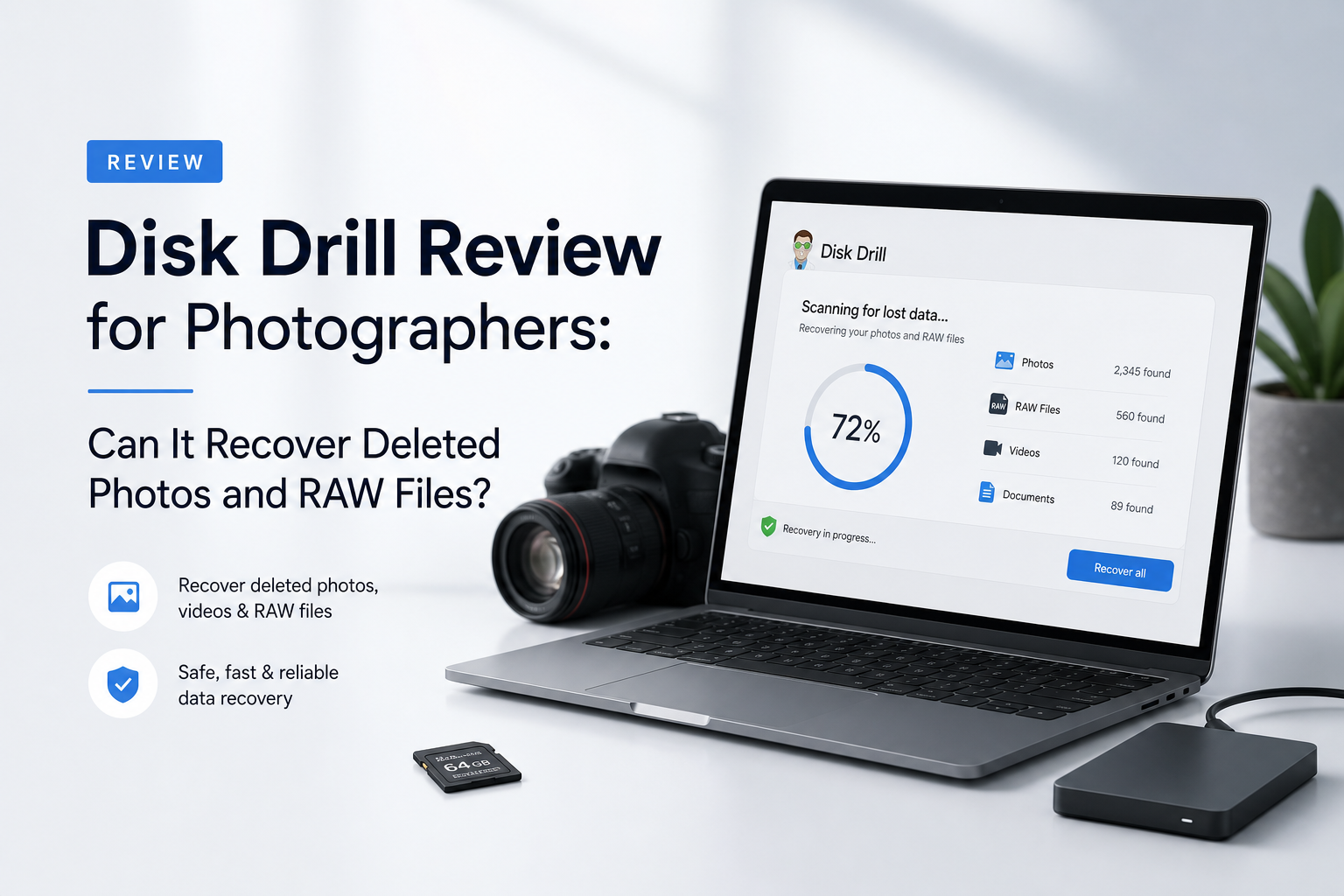
Disk Drill for Photographers at a Glance
8.7/10Disk Drill is a desktop recovery app for Windows plus macOS. It searches memory cards, external drives, internal disks, plus disk images for deleted or inaccessible photos.
Best forPhotographers recovering a recently deleted or formatted SD, CFexpress, or external-drive shoot
- Deleted photo plus RAW file scanning
- Advanced Camera Recovery for camera media
- Free scan plus file previews
- Byte-to-byte card imaging
- Filters for type, size, date, plus recovery chances
- Easy memory-card workflow
- Strong RAW format coverage
- Useful previews before payment
- 100 MB Windows free limit
- Mac has no equivalent general free allowance
- Recovery ratings do not guarantee usable files
Disk Drill Photo Recovery Features in Detail
01 Photo & RAW Recovery
Broad camera-format coverage with one unavoidable caveat
9.4/10
Photo & RAW Recovery
Broad camera-format coverage with one unavoidable caveat
Disk Drill recognizes the formats photographers are most likely to care about, including CR2, CR3, NEF, ARW, DNG, ORF, RAF, RW2, JPG, plus TIFF. That makes it far more practical than a basic undelete utility when one card contains JPEG previews, RAW originals, plus video clips.
Results still depend on the card itself. Recently deleted files from a card that was immediately removed have a much better outlook than files from media reused for another shoot. A listed filename or recovery rating is encouraging, but an image preview is stronger evidence.
- Supports major Canon, Nikon, Sony, Fujifilm, Panasonic, plus Olympus RAW formats
- Finds standard photos alongside camera RAW files
- Advanced Camera Recovery targets camera-created media
- Can scan formatted or file-system-damaged cards
- Previewing is available before purchase
- Overwritten photo data cannot be reconstructed
- Some RAW previews may show an embedded JPEG rather than prove the full RAW payload is intact

02 Memory Card Workflow
Clear enough to use during a stressful mistake
9.1/10
Memory Card Workflow
Clear enough to use during a stressful mistake
The basic process is hard to mess up: connect the card through a reader, select the physical device, start a scan, filter the results, then restore chosen files to another drive. Disk Drill supports common SD families plus CF, CFast, XQD, CFexpress, Memory Stick, camera SSDs, plus several professional media types.
The byte-to-byte backup tool matters more than it first appears. A photographer with a glitchy card can create an image, put the original media aside, then scan the copy. This reduces repeated access to media that may be deteriorating.
- Straightforward scan, select, recover flow
- Works with SD, microSD, CFexpress, XQD, plus other camera media
- Byte-to-byte image creation is built in
- Scans saved disk images without touching the original card
- Filters help separate pictures from unrelated files
- A card must be detected by the computer before Disk Drill can scan it
- A failing card may require a professional lab rather than software
03 Preview & File Sorting
Helpful validation before the paywall
8.7/10
Preview & File Sorting
Helpful validation before the paywall
Unlimited scanning plus preview access makes the Basic edition genuinely useful as a diagnostic tool. You can narrow a large result set by file type, size, date, name, or recovery chances instead of opening thousands of numbered files one at a time.
Photographers should preview a varied sample. Check images from the beginning, middle, plus end of the missing shoot. Open several large RAW files too. A thumbnail alone may come from a small JPEG embedded inside the RAW container, so it does not always prove the complete negative is healthy.
- Unlimited scans plus previews before upgrading
- Photo-focused filtering reduces clutter
- Scan results can be reviewed before completion
- Recovery-chance labels provide a useful first pass
- Saved sessions avoid rescanning healthy media
- Deep signature scans may lose original folders or filenames
- An embedded preview can look fine even when RAW data is incomplete
04 Recovery Safety
Good tools, provided the original media stays untouched
8.4/10
Recovery Safety
Good tools, provided the original media stays untouched
Disk Drill performs read-only scanning, though safe recovery still depends on user choices. Do not install it on the drive holding deleted photos. Never restore files to the source card. For suspect media, create a byte-level image first.
The main danger is continuing to shoot, formatting again, running repair utilities, or letting an operating system write to the card. If the device clicks, disconnects, reports wildly changing capacity, or becomes hot, stop. Software scans can put needless strain on physically failing storage.
- Read-only scanning avoids deliberate source changes
- Byte-level backups are available in the free app
- Recovery destination warnings reduce simple mistakes
- Disk images can be mounted for repeat scans
- S.M.A.R.T. monitoring helps assess supported drives
- No app can reverse overwriting or SSD TRIM
- Repeated scans can stress unstable hardware
05 Cost & Licensing
Fair for one lost shoot, limited as a free recovery tool
7.8/10
Cost & Licensing
Fair for one lost shoot, limited as a free recovery tool
Disk Drill Basic costs $0. Windows users can recover up to 100 MB, while Mac users mainly get scanning plus preview access unless files were protected through eligible Disk Drill features before deletion. A modern RAW file can consume much of the Windows allowance by itself.
Disk Drill PRO costs $89 per year or $149 for a lifetime license. One personal license supports Windows plus macOS with up to three activations. The lifetime option makes more sense for photographers who regularly handle many cards, though the annual plan is cheaper for a single emergency.
- Free scanning plus unlimited preview access
- Windows includes 100 MB of free recovery
- One PRO license covers Mac plus Windows
- Lifetime license avoids recurring annual payments
- The free limit is tiny beside current RAW file sizes
- PRO pricing can feel steep if the scan finds only damaged files
- Refund complaints appear in recent user feedback
How We Evaluated Disk Drill for Deleted Photos Plus RAW Files
We assessed Disk Drill 6.3 as a photographer-facing recovery tool, focusing on its supported camera formats, storage-media coverage, scan controls, preview behavior, disk-imaging workflow, free limits, plus current licensing. The review also considered official documentation updated through July 22, 2026, alongside recent user reports involving formatted cards, inaccessible media, RAW photos, plus camera video.
Scores favor practical evidence over the number of files listed after a scan. Preview quality, safe handling of the source card, retained filenames, usable recovered output, plus clear pricing matter more than a huge result count filled with fragments.
When Photographers Should Avoid Scanning With Disk Drill
Do not run Disk Drill directly against a card that clicks through an adapter, disconnects every few seconds, reports the wrong capacity, or disappears during reads. Those symptoms can point to hardware trouble. A recovery lab has imaging equipment built for unstable media.
Software is also unlikely to help after new photos have overwritten deleted sectors or after SSD TRIM has cleared the missing data. Stop using the device immediately. If the shoot is commercially irreplaceable, resist experimenting with several apps before getting a professional opinion.
Disk Drill for Photographers: How We Scored Photo Recovery
| Category | Performance | Score |
|---|---|---|
| 01 Photo & RAW Recovery | 9.4/10 | |
| 02 Memory Card Workflow | 9.1/10 | |
| 03 Preview & File Sorting | 8.7/10 | |
| 04 Recovery Safety | 8.4/10 | |
| 05 Cost & Licensing | 7.8/10 |
What Photographers Plus Other Users Say About Disk Drill
A wedding photographer said Disk Drill recovered roughly 40–50 GB of footage after the wrong Canon card was formatted. The user had stopped using the card, tested a small playable clip first, then purchased PRO.
The original poster reported recovering family photos plus videos from an inaccessible SD card in about 10 minutes after other utilities failed to see or properly recover the media.
A critical commenter said the scan suggested recovery was possible, yet the paid result did not restore usable client files. The same user disliked the support response plus annual billing.
One reviewer recovered important material, including thousands of photos, from a troublesome 3 TB drive. They noted that Disk Drill did not retrieve everything.
Should Photographers Get Disk Drill?
Disk Drill is worth trying after an accidental deletion, quick format, inaccessible card, or lost external-drive folder. It suits photographers who want a visual interface plus RAW-aware results without learning a command-line recovery utility.
Skip the paid upgrade if your key images cannot be previewed, the card is physically unstable, or the missing files came from a TRIM-enabled SSD. In those cases, more scanning may accomplish little.
Lock the memory card, create a byte-to-byte image, then preview several full-size RAW files before paying or recovering anything.