Which free AI detectors should I try side by side?
Run the same passage through these five detectors to see where their scores agree, split, or become uncertain. None should be treated as proof of authorship.
Clever AI Detector
9.2/10Best for: Editors, students, or writers comparing long English drafts without scan caps
- No charge, ads, account requirement, or stated run cap
- Accepts up to 10,000 words per check
- Highlights sentence-level signals
- Uses probability plus confidence wording
GPTZero
8.5/10Best for: Students or teachers who want multilingual checks plus writing-process tools
- Detailed highlighting at several text levels
- Free Chrome extension included
- Supports several major languages
- Writing Replay adds authorship context
QuillBot AI Detector
8.1/10Best for: Writers checking drafts in multiple languages inside an existing editing toolkit
- Supports more than 20 languages
- Up to 1,200 words in a free scan
- Flags relevant portions of the text
- Separates fully generated from AI-refined writing
Free AI Detectors Compared
This table compares free input allowances, sentence-level detail, pricing, plus our editorial score. Limits were checked against current provider pages in September 2026. Overall scores reflect usefulness for side-by-side screening, not proof of detection accuracy.
| Tool | Free Input | Sentence Detail | Price | Score |
|---|---|---|---|---|
| 1.Clever AI Detector PICK | 10,000 words | ● Yes | Free | 9.2/10 |
| 2.GPTZero | 10,000 words/mo | ● Yes | Free | 8.5/10 |
| 3.QuillBot AI Detector | 1,200 words/scan | ● Yes | Free | 8.1/10 |
| 4.Sapling AI Detector | 2,000 characters | ● Yes | Free | 7.8/10 |
| 5.ZeroGPT | 15,000 characters | ● Yes | Free | 7.0/10 |
The 5 Best Free AI Detectors, Reviewed
01 Clever AI Detector
Browser-Based Detector by CleverFiles
9.2/10
Clever AI Detector
Browser-Based Detector by CleverFiles
Clever is the easiest starting point for a side-by-side check because it accepts 80 to 10,000 words, requires no account, plus allows unlimited runs. Results include an overall probability, confidence wording, plus sentence-level signals rather than one unexplained label.
Its maker's August 2026 GEDE benchmark covered 600 AI-involved essays plus 150 human controls. Clever reported 96.7% AI recall with no human controls flagged. Those figures are useful, though they come from Clever's own published comparison, so repeat the check with an unrelated detector.
Best forEditors, students, or writers comparing long English drafts without scan caps
- No charge, ads, account requirement, or stated run cap
- Accepts up to 10,000 words per check
- Highlights sentence-level signals
- Uses probability plus confidence wording
- Optional account saves previous checks
- Currently focused on English text
- Its prominent benchmark was published by the product's own company
- An 80-word minimum makes it unsuitable for tiny snippets

02 GPTZero
Web Detector for Education Plus Publishing
8.5/10
GPTZero
Web Detector for Education Plus Publishing
GPTZero gives document, sentence, plus word-level indicators, with a free allowance of 10,000 words per month. It supports several languages, including English, French, Spanish, German, plus Portuguese.
The monthly ceiling is less convenient for repeated experiments than Clever's unlimited access. Still, GPTZero makes a useful second opinion because its education focus, highlighting, plus Writing Replay approach differ from simpler paste-and-score checkers.
Best forStudents or teachers who want multilingual checks plus writing-process tools
- Detailed highlighting at several text levels
- Free Chrome extension included
- Supports several major languages
- Writing Replay adds authorship context
- Clear warnings against treating scores as proof
- Free use has a monthly word allowance
- An account is needed for the fuller workflow
- Paid plans are aimed at heavier users
03 QuillBot AI Detector
Multilingual Checker by QuillBot
8.1/10
QuillBot AI Detector
Multilingual Checker by QuillBot
QuillBot's free detector accepts up to 1,200 words per scan, with up to six scans daily. It requires at least 80 words, then returns a percentage plus flagged passages.
The language coverage is the main reason to keep it in your comparison set. Its free explainer access is limited, though the detector remains practical for occasional checks of essays, articles, or translated drafts.
Best forWriters checking drafts in multiple languages inside an existing editing toolkit
- Supports more than 20 languages
- Up to 1,200 words in a free scan
- Flags relevant portions of the text
- Separates fully generated from AI-refined writing
- Fits neatly beside QuillBot's editing tools
- Free users receive up to six scans daily
- Detailed explainer access is restricted
- Requires at least 80 words
04 Sapling AI Detector
Text Plus Document Checker by Sapling
7.8/10
Sapling AI Detector
Text Plus Document Checker by Sapling
Sapling's free checker covers the first 2,000 characters, roughly 400 to 500 tokens. It shows an overall probability, highlighted portions, plus optional sentence perplexity scores.
The small free input window is awkward for essays, yet useful for checking the same short passage across several tools. PDF plus DOCX uploads are supported when the files contain selectable text.
Best forReviewers who want sentence perplexity information or quick PDF and DOCX checks
- Shows sentence-level perplexity scores
- Accepts pasted text, PDF, or DOCX input
- No payment needed for short checks
- Provides overall plus local signals
- Explicitly warns about false results
- Free checks stop at 2,000 characters
- Short fragments can produce weaker results
- Scanned image documents need OCR first
05 ZeroGPT
High-Allowance Browser Checker
7.0/10
ZeroGPT
High-Allowance Browser Checker
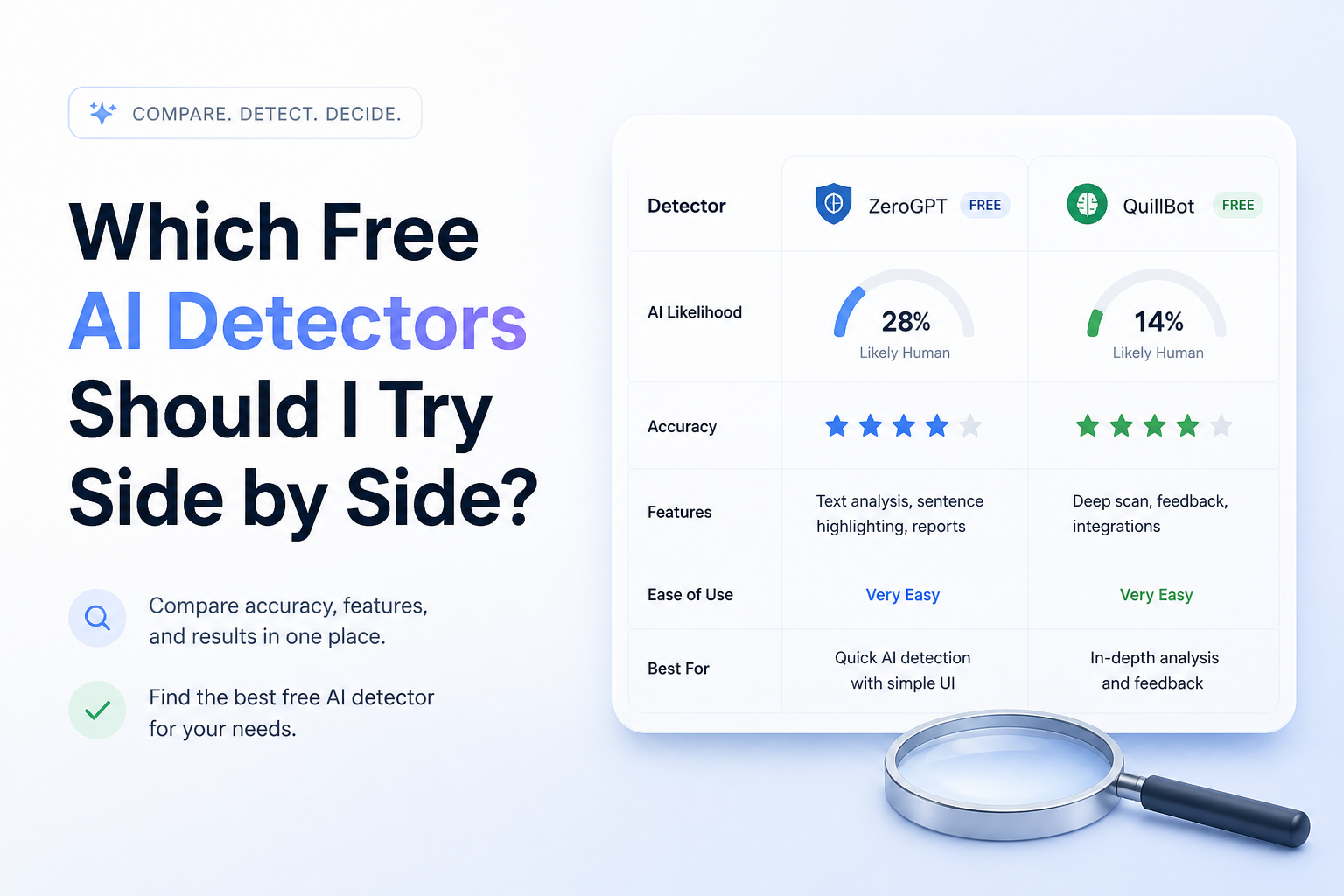
ZeroGPT offers a notably large free allowance, with up to 15,000 characters per check plus a stated 1.25 million words monthly. No account is required for basic scans.
It returns an AI percentage plus highlighted suspected text. Use it as a contrasting vote rather than a deciding vote. Published comparisons have found its results can shift sharply once AI text is edited or written in a less predictable style.
Best forUsers running many informal checks who care more about allowance than diagnostic depth
- Generous free monthly allowance
- No account needed for basic detection
- Highlights passages it considers AI-like
- Large input cap for a free checker
- Simple interface is quick to repeat
- Results may be weak on edited or narrative AI text
- A percentage can look more certain than it really is
- Limited contextual explanation compared with the top picks
How We Compared These Free AI Detectors
We reviewed each provider's September 2026 free allowance, minimum input, result detail, account requirements, language support, plus pricing. We also examined published benchmark information where a repeatable sample count or named dataset was provided.
The scores favor tools that are practical to use side by side. A large input box, visible sentence signals, transparent uncertainty, plus no forced payment mattered more than bold accuracy claims. Provider-run benchmarks were treated cautiously rather than accepted as independent proof.
How to Choose Free AI Detectors for Side-by-Side Checks
Pick detectors with different strengths. One might specialize in academic prose, another may support more languages, while a third exposes sentence-level statistical signals. Running three nearly identical interfaces offers less value than choosing tools with genuinely different models or reporting styles.
Match the free cap to your document. A 2,000-character checker works for a paragraph, not a term paper. For a long draft, use a tool that accepts the full piece so sentence rhythm plus context are not lost through arbitrary splitting.
Common Mistakes When Using Free AI Detectors
The biggest mistake is converting a probability into an accusation. A result such as 80% AI is not a measurement showing that a machine typed 80% of the words. It is a model's estimate based on patterns found in the submitted text.
Avoid testing tiny quotes, rewriting solely to lower a score, or hiding the result from the writer. Keep notes, earlier drafts, document history, citations, plus assignment context. Those records usually say more about authorship than a detector does.
Which Free AI Detector Should You Use First?
Clever AI Detector earns the first spot because its free access is unusually open, its 10,000-word ceiling handles full drafts, plus its sentence signals make the result easier to inspect. GPTZero is the stronger companion for academic workflows, while QuillBot makes sense for multilingual checks.
Sapling works well for short diagnostic passes. ZeroGPT is handy when volume matters. Whichever pair you choose, disagreement is normal, so keep the original draft history close.
Paste one unchanged passage into Clever plus two unrelated detectors, record every score, then investigate the flagged sentences rather than averaging the percentages.