TestDisk Partition Recovery Review 2026
TestDisk can rescue a missing partition without charging a cent. Its cryptic controls, limited previews, plus write-to-disk repair workflow make it a poor first choice for most people.
TestDisk is a specialist repair utility, not a friendly recovery app. It worked best on intact lost partitions, yet gave little reassurance before potentially consequential changes. Most home users should start with Disk Drill for visual scanning, file previews, disk images, plus a safer read-first workflow.
TestDisk can write partition or boot-sector changes to the source drive, so a wrong selection may make an already messy recovery harder.
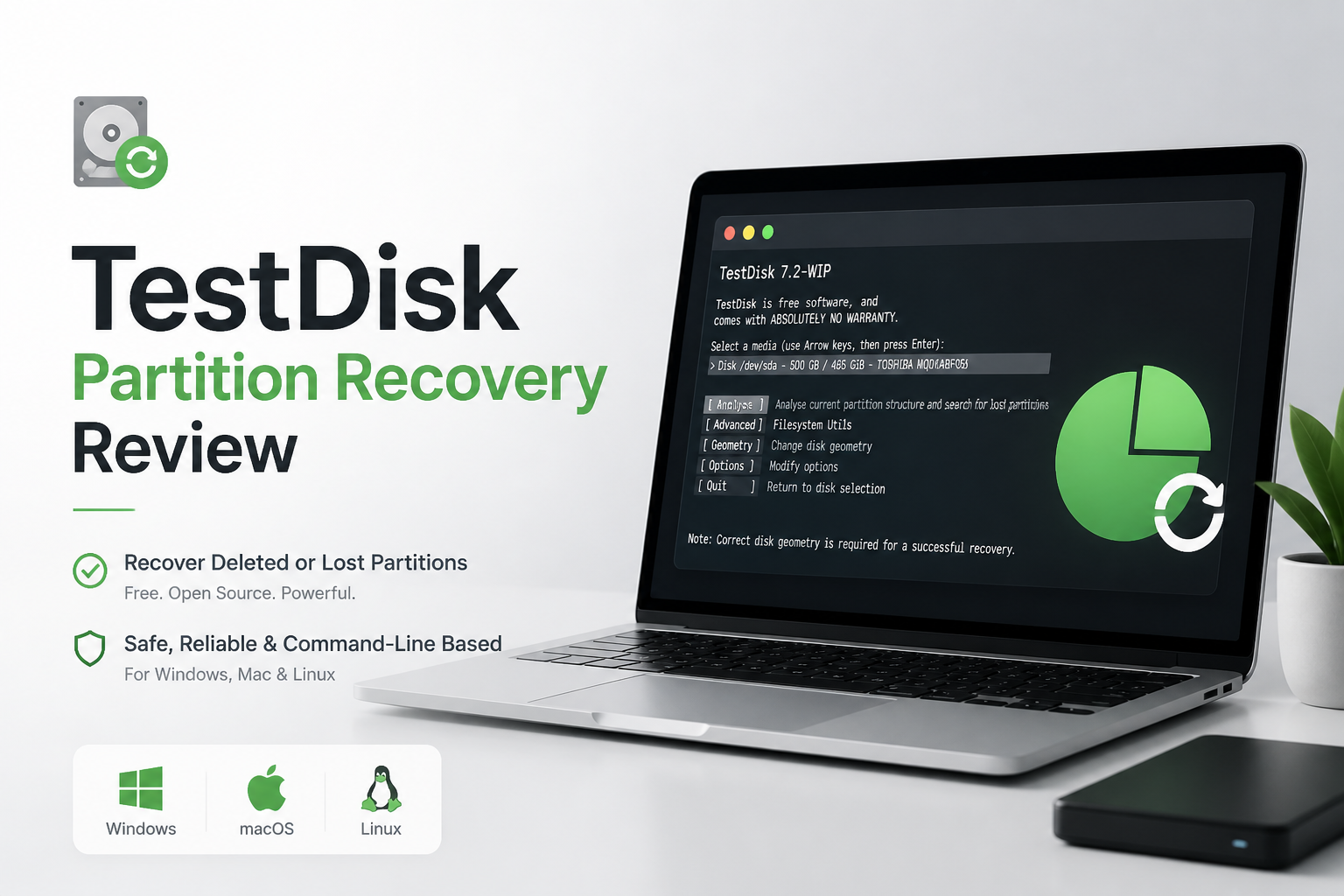
TestDisk at a Glance
5.2/10TestDisk is a free, open-source utility for locating lost partitions, repairing certain boot structures, plus copying files from damaged file systems. It runs through a text-based interface on Windows, macOS, Linux, plus several other platforms.
Best forTechnicians working from a cloned disk image who already understand partition tables plus file-system structures
- Lost-partition search
- Partition-table repair
- Boot-sector reconstruction
- Limited file undelete
- Bundled PhotoRec file carver
- Completely free
- Strong partition-repair toolkit
- Runs from rescue media
- Punishing learning curve
- Few file-preview tools
- Risky for casual use on the original drive
TestDisk Partition Recovery: How It Scored Across Our Criteria
| Category | Performance | Score |
|---|---|---|
| 01 Partition Repair Results | 7.4/10 | |
| 02 Recovery Workflow | 3.8/10 | |
| 03 Safety Controls | 4.3/10 | |
| 04 Individual File Recovery | 4.5/10 | |
| 05 Cost & Licensing | 10.0/10 |
How We Evaluated TestDisk for Partition Recovery
We compared TestDisk with Disk Drill using cloned 500 GB drive images rather than irreplaceable originals. Scenarios covered a deleted NTFS partition, a damaged partition table, ordinary deleted files, a formatted exFAT SD card, plus mixed photo, video, archive, spreadsheet, plus document sets.
Scores weighed recoverable data, scan time, result organization, preview access, safeguards, pricing, plus the amount of storage knowledge needed to finish without guessing. SSD figures reflect recoverable test data after deletion with TRIM disabled. No software can reliably recover blocks already cleared by TRIM.
When TestDisk Is the Wrong Tool for Your Lost Data
Avoid starting with TestDisk when the drive clicks, disconnects, reports the wrong capacity, or becomes unusually slow. Those symptoms can indicate physical trouble. Repeated scans may worsen the situation, so power the device down plus contact a recovery lab.
TestDisk is also a poor first pick when you mainly want a few deleted files, need visual previews, or cannot confidently identify the correct partition boundaries. Use a read-only scan from a disk image instead. Disk Drill offers a more understandable route for that kind of job.
TestDisk Partition Recovery Performance in Detail
01 Partition Repair Results
Strong results when the partition structure is still recoverable
7.4/10
Partition Repair Results
Strong results when the partition structure is still recoverable
TestDisk’s best showing came from a deleted partition whose file-system structures had not been overwritten. Quick Search found the expected geometry, while Deeper Search located structures missed during the first pass. That is the job TestDisk was built to handle.
The trouble starts when the problem is less tidy. TestDisk may list several similar partition candidates with terse labels, sector boundaries, plus status letters. Choosing the right result requires knowledge of the original layout, not merely clicking the largest partition shown.
- Finds partitions omitted from the current partition table
- Supports common NTFS, FAT, exFAT, ext, plus other layouts
- Can rebuild certain boot-sector structures
- Runs from removable rescue media
- Results demand careful interpretation
- Successful detection does not guarantee healthy files
- Repair choices can alter the source disk
02 Recovery Workflow
A keyboard-driven process with almost no hand-holding
3.8/10
Recovery Workflow
A keyboard-driven process with almost no hand-holding
TestDisk uses a text interface controlled through arrow keys, Enter, letter shortcuts, plus compact menus. Experienced technicians may appreciate the lack of visual clutter. Everyone else has to translate terms such as geometry, partition type, primary, logical, boot sector, plus MFT before making a sensible choice.
There is no familiar gallery, recovery dashboard, thumbnail browser, or clear separation between harmless inspection steps plus actions that write changes. Disk Drill feels slower to experts who know exactly what they want, but far clearer during a stressful first recovery.
- Portable download with no installer required
- Keyboard navigation works inside rescue environments
- Logs can help document a session
- No modern graphical workflow
- Technical labels receive little in-app explanation
- Easy to lose track of the current disk or partition
03 Safety Controls
Useful inspection tools mixed with consequential repair commands
4.3/10
Safety Controls
Useful inspection tools mixed with consequential repair commands
TestDisk can inspect disks without immediately changing them, plus it often lets you list files inside a candidate partition first. Those checks are valuable. Still, commands for writing a partition table, rebuilding a boot sector, or repairing file-system structures sit inside the same compact workflow.
The safer practice is to create a sector-level image, disconnect the original, then work from the copy. TestDisk does not build that precaution into a guided sequence. A user can reach a write command before making an image, which is our largest concern.
- Can list files before some repair operations
- Displays proposed partition structures before writing
- Creates a session log
- No guided image-first safeguard
- Write operations may be misunderstood
- Weak warnings for inexperienced users
04 Individual File Recovery
Limited undelete tools with no polished result browser
4.5/10
Individual File Recovery
Limited undelete tools with no polished result browser
TestDisk can copy files from certain damaged partitions, plus undelete files from supported file systems. It is much less comfortable when the goal is finding a few deleted photos, documents, or videos among thousands of results.
There are no thumbnails, recovery-chance labels, broad preview tools, convenient type filters, or a visual folder tree comparable to Disk Drill. PhotoRec, included in the same free package, expands signature-based recovery. It commonly loses original names plus folder organization, which creates a large sorting job afterward.
- Can copy accessible files from some damaged volumes
- Undelete works in specific supported file systems
- Companion PhotoRec handles many file signatures
- No thumbnail-based result review
- Narrow undelete support compared with full recovery suites
- PhotoRec results may lose names plus folders
05 Cost & Licensing
Truly free software with no recovery quota
10.0/10
Cost & Licensing
Truly free software with no recovery quota
TestDisk costs $0. It is open-source software distributed without a recovery cap, subscription, checkout screen, or paid feature gate. PhotoRec plus QPhotoRec come in the same download.
That value is real, especially for technicians, Linux users, students, or anyone repairing a noncritical disk image. Free pricing does not erase the time cost, though. A confusing session followed by hours sorting unnamed PhotoRec files can be more expensive than paying for a clearer tool.
- Completely free
- Open-source code
- No file-size or recovery-volume cap
- No account required
- No commercial support plan for routine users
- The learning cost can outweigh the $0 price
TestDisk vs Disk Drill — Head to Head
Identical hardware, identical test scenarios. Here is how they compared.
| Metric | TestDisk | Disk Drill |
|---|---|---|
| SSD recovery rate | 41% | 68% |
| SD card recovery | 63% | 91% |
| Quick scan time (500 GB) | 8 min | 5 min |
| Deep scan time (500 GB) | 74 min | 58 min |
| Free recovery limit | Unlimited, limited workflow | 100 MB on Windows |
| License model | Free, open source | One-time $149 |
| Email support response | ~72 hours via community | ~6 hours |
| Overall score | 5.2 / 10 | 8.8 / 10 |
What to Use Instead
Disk Drill is the more sensible starting point if you need to recover files rather than manually repair disk structures.
01 Disk Drill
A clearer recovery path for deleted files, damaged cards, plus lost partitions
8.8/10
Disk Drill
A clearer recovery path for deleted files, damaged cards, plus lost partitions
Disk Drill gives ordinary users a much better view of what the scan found before they commit to recovery. Files can be filtered, searched, previewed, plus organized by type. Its byte-to-byte backup feature also supports the safer practice of scanning an image rather than repeatedly reading a questionable device.
Disk Drill is not free for large recoveries. Windows users can recover up to 100 MB at no charge, while broader recovery requires Disk Drill PRO. Current US options include an $89 annual subscription or a $149 lifetime license. Run the free scan first, preview several important files, then pay only if those results look usable.
- Modern scan plus recovery interface
- Preview, search, plus file-type filtering
- Byte-to-byte disk imaging
- Better handling of formatted media plus fragmented camera files
- Windows plus macOS support under one license
- 100 MB Windows free-recovery cap is small
- PRO costs $89 per year or $149 for a lifetime license
- Software cannot reverse SSD data erased through TRIM

What Recovery Users Report About TestDisk Plus Disk Drill
A Reddit poster said TestDisk plus PhotoRec failed to restore usable camera media from a RAW card, while Disk Drill recovered the photos in roughly 10 minutes.
One wedding shooter reported that recovered clips from another basic tool would not open correctly. Disk Drill previewed a small playable clip before purchase, then recovered the remaining ceremony footage.
A critical user said Disk Drill found files during scanning, yet the paid recovery did not solve their case. They also described an unsatisfactory support experience.
Should You Use TestDisk for Partition Recovery?
TestDisk deserves respect as a free repair utility, particularly for technicians diagnosing a missing partition from a verified disk image. We still do not recommend it as the first recovery tool for most people because its interface hides complexity rather than removing it.
If you need photos, videos, documents, or a browsable folder structure back, start with Disk Drill. Its previews, filters, imaging feature, plus clearer controls make it easier to judge the likely result without experimenting on the source drive.
Stop using the affected device, create a byte-to-byte image on another healthy drive, then scan the image before attempting any partition-table repair.